1. CLOSE SMARTPOINT APPLICATION!
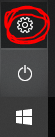
2. Open Windows settings:
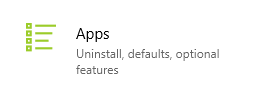
3. Click on Apps:
4. Search for CEE Itinerary
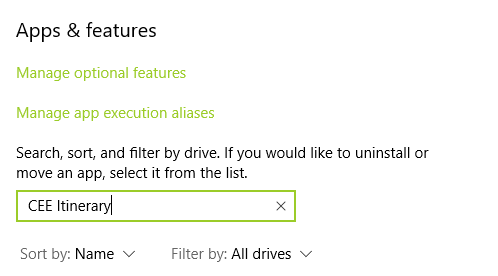
5. Click on CEE Itinerary to display Uninstall button.
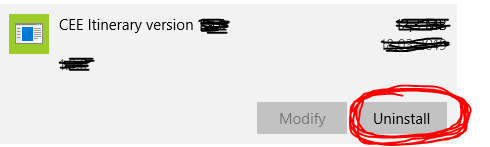
6. Click Uninstall button and confirm follow-on dialogs.
1. CLOSE SMARTPOINT APPLICATION!
2. Open Windows settings:
3. Click on Apps:
4. Search for CEE Itinerary
5. Click on CEE Itinerary to display Uninstall button.
6. Click Uninstall button and confirm follow-on dialogs.